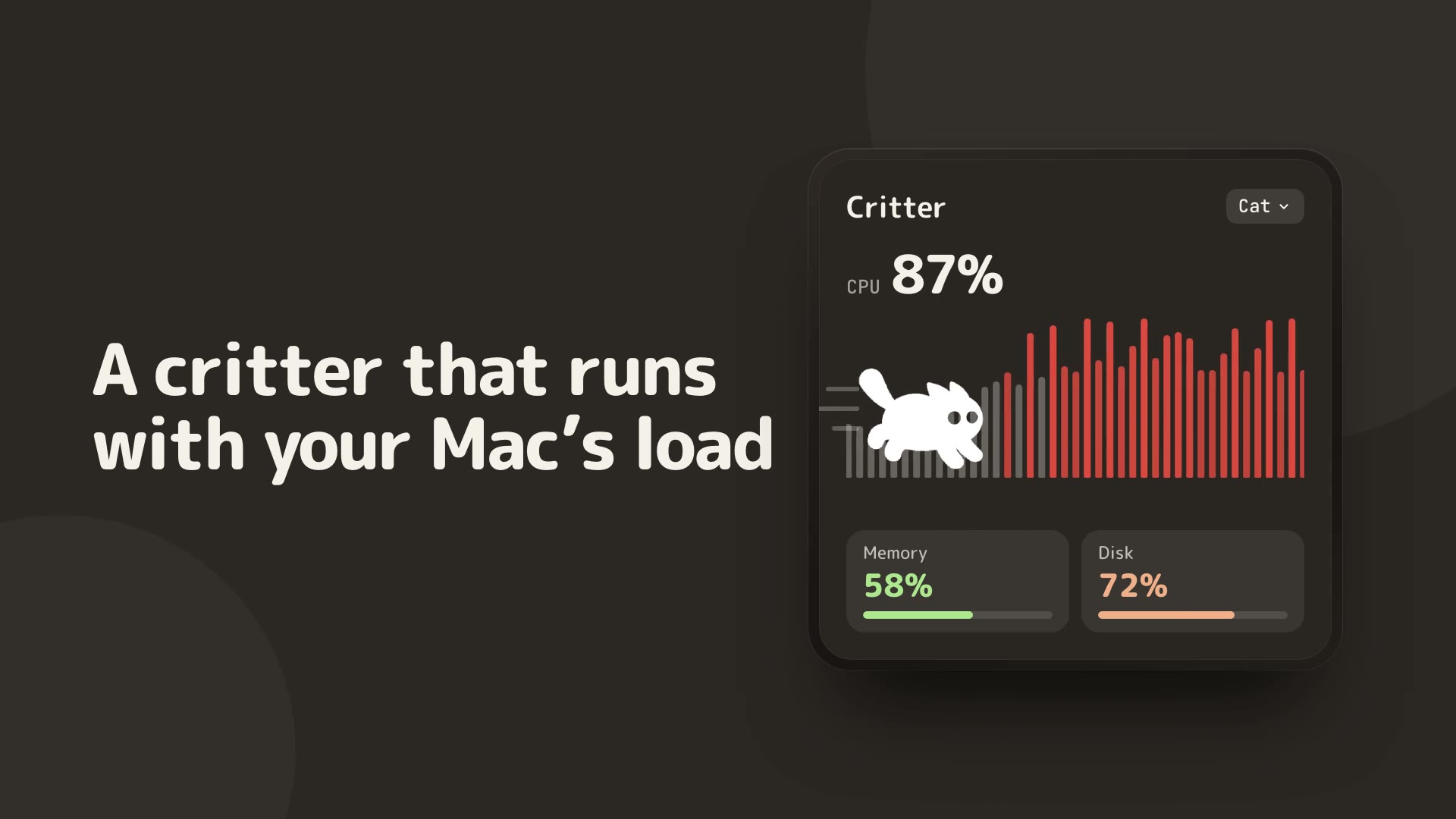
Critter · 5 min read
Hidden Bar vs Tegaro
Tegaro is better for combining its own daily tools under one icon. Hidden Bar is better for hiding other apps’ menu-bar icons.
Hidden Bar is a free, open-source menu-bar icon hider. Tegaro keeps its own tools under one icon, but does not hide or rearrange other apps’ icons.
Hidden Bar is the right choice for hiding and arranging other menu-bar icons. Tegaro helps reduce tool sprawl by placing its own utilities under one icon, but it does not hide, organise or manage other apps’ menu-bar items.
Icon management
Hidden Bar is made for hiding and arranging menu-bar items.
One Tegaro icon
Tegaro groups its own tools under a single menu-bar icon.
Clear limit
Tegaro does not hide or manage icons from other applications.
At a glance
| Capability | Hidden Bar | Tegaro |
|---|---|---|
| Hide other menu-bar icons Hidden Bar is the specialist for this task. | Yes | No |
| Arrange icon visibility Tegaro does not manage other apps’ items. | Yes | No |
| License model The products solve different problems. | Free and open source | Tegaro suite access terms apply |
| Tegaro tool grouping This may reduce the number of separate utilities you install. | Icon-hiding focus | Several Tegaro tools under one icon |
| Clipboard or screenshots Tegaro is not an icon-hider replacement. | No Tegaro-equivalent tools | Available as Tegaro modules |
| Window or display controls Different product category. | No icon-management equivalent | Displays and other Tegaro modules |
When to Choose Hidden Bar
People whose main need is hiding or rearranging other apps’ menu-bar icons with a free, open-source utility.
When to Choose Tegaro
People who want one app to provide several local utilities under its own menu-bar icon, without expecting icon-management features.
Tegaro tools, one icon
Typing · Clipboard · Screenshots · Dictation · Displays · Power · Disk · Sound · AI Usage · Critter
Current Tegaro access
Try every Pro tool for 14 days without a card or account. Afterward, Free keeps Classic, Cat and Dog, Power, Sound, AI Usage, normal Displays and Disk analysis; it includes 100 successful automatic layout fixes per calendar month and 2,000 delivered dictation words per Monday-starting week. Pro unlocks Clipboard, Screenshots, Disk cleanup and app removal, unlimited layout automation and dictation, more critters and compatible EDR brightness. A $100 lifetime license covers one person on up to three Macs.
Pricing and terms: Hidden Bar
Free and open source; see official repository
Tegaro: 14-day trial; Pro is $1.99 for the first month, then $4.99/month, $29.99/year, or $100 lifetime for one license on up to three Macs. Post-trial module access varies by module. Hidden Bar pricing is sourced from its official page.
Offers: Hidden Bar
No public promotion verified; check the official checkout for current offers.
Tegaro trial offer
Eligible trial users may receive a one-time 30% annual or lifetime offer valid for 48 hours. It is optional, not a promised public price.
Privacy and footprint
Compare Hidden Bar's official documentation with Tegaro's module details before changing permissions or replacing a working setup.
Native macOS app built with Swift.
Core typing, copied-content and downloaded-model dictation workflows stay local. Licensing, optional renewal lookups, model downloads, opted-in diagnostics and direct AI-provider checks are separate network actions. AI Usage uses existing provider sign-in and does not send provider credentials to Tegaro.
How to Switch from Hidden Bar to Tegaro
- Keep Hidden Bar installed if you still need to hide other apps’ menu-bar icons.
- Open Tegaro and decide which of its own tools you want under the one Tegaro icon.
- Do not remove Hidden Bar until you confirm your required icons still fit your menu-bar workflow.
Frequently asked questions
Can Tegaro hide other menu-bar icons?
No. Tegaro does not hide or manage items from other apps.
Why compare Tegaro with Hidden Bar?
Both affect menu-bar clutter in different ways: Hidden Bar manages icons, while Tegaro combines its own utilities.
Is Hidden Bar free?
Its official GitHub project describes it as free and open source.
Sources and disclosure
Published by Tegaro. App information is checked against the linked official pages on the date shown. Checked: 2026-10-07.