Tegaro vs BetterDisplay
Tegaro is better if you want everyday brightness and resolution controls beside other Mac tools. BetterDisplay is stronger for virtual screens and custom-resolution work.
Read comparison →Comparisons
Use the specialist when its deep workflow is the job. Choose Tegaro when several local Mac utilities belong under one menu-bar icon.
Download the 14-day trialDisplays
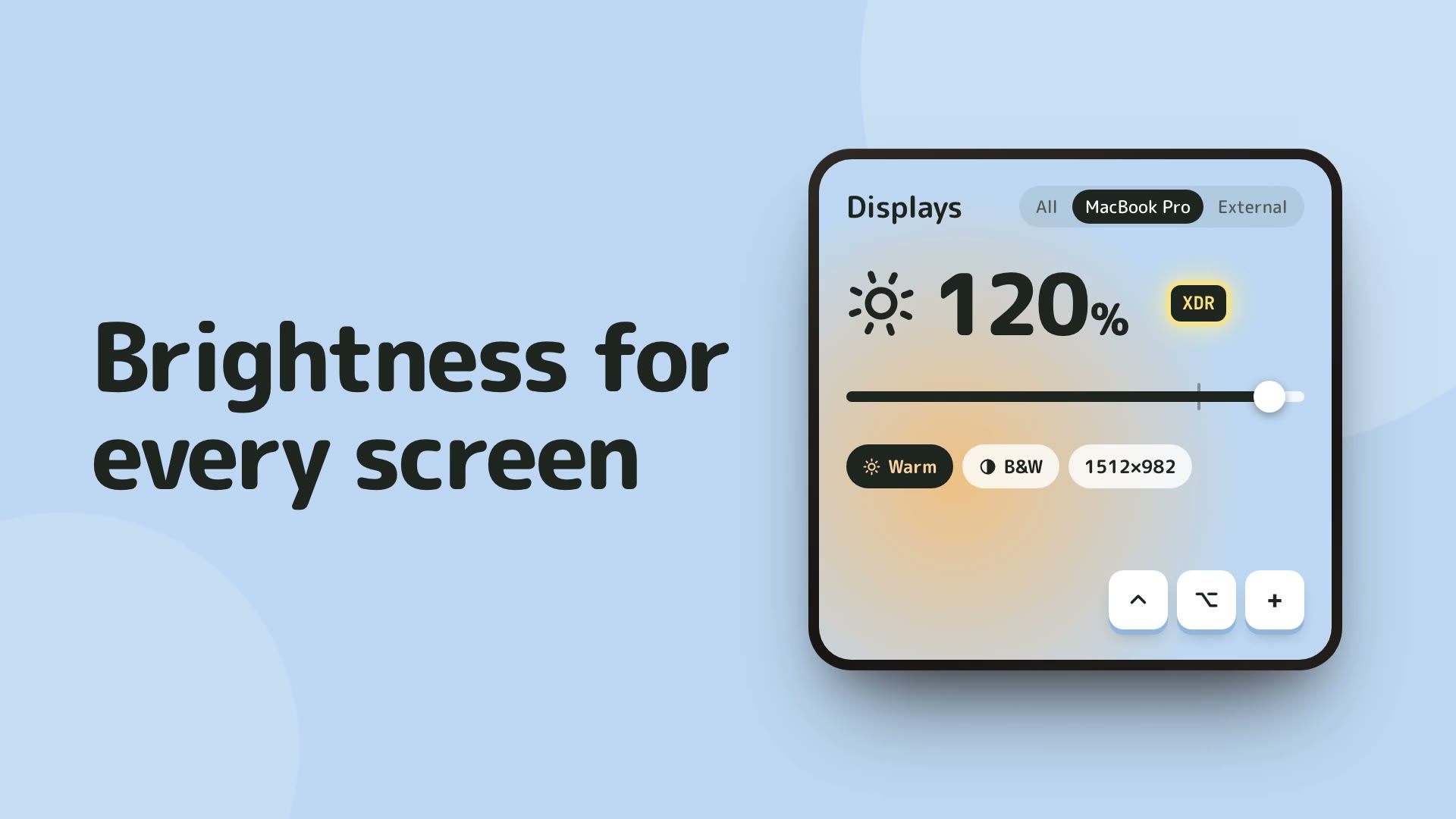
Tegaro is better if you want everyday brightness and resolution controls beside other Mac tools. BetterDisplay is stronger for virtual screens and custom-resolution work.
Read comparison →Tegaro is better if you want display controls with a Dock mirror and other tools. MonitorControl is stronger if monitor volume control is essential.
Read comparison →Tegaro is better if you want simple display controls in a broader toolkit. Lunar is stronger for dedicated monitor automation.
Read comparison →Tegaro is better if you want several everyday tools under one icon. Specialist menu-bar apps are stronger when one advanced feature is all you need.
Read comparison →Tegaro is better if display controls are the goal. Rectangle is stronger for window snapping.
Read comparison →Tegaro is better if you want display tools in a wider suite. Magnet is stronger for window snapping.
Read comparison →Tegaro is better if you want straightforward display and utility tools. BetterTouchTool is stronger for custom input automation.
Read comparison →Tegaro is better for display brightness, resolution and other daily Mac tools. HazeOver is better for dimming inactive windows to help you focus.
Read comparison →Tegaro is better for everyday display controls beside other Mac tools. DisplayBuddy is better for monitor volume, input switching and saved presets.
Read comparison →Tegaro is better for compatible brightness boost plus resolution and other Mac tools. Vivid is better when dedicated XDR brightness control is your main need.
Read comparison →Clipboard
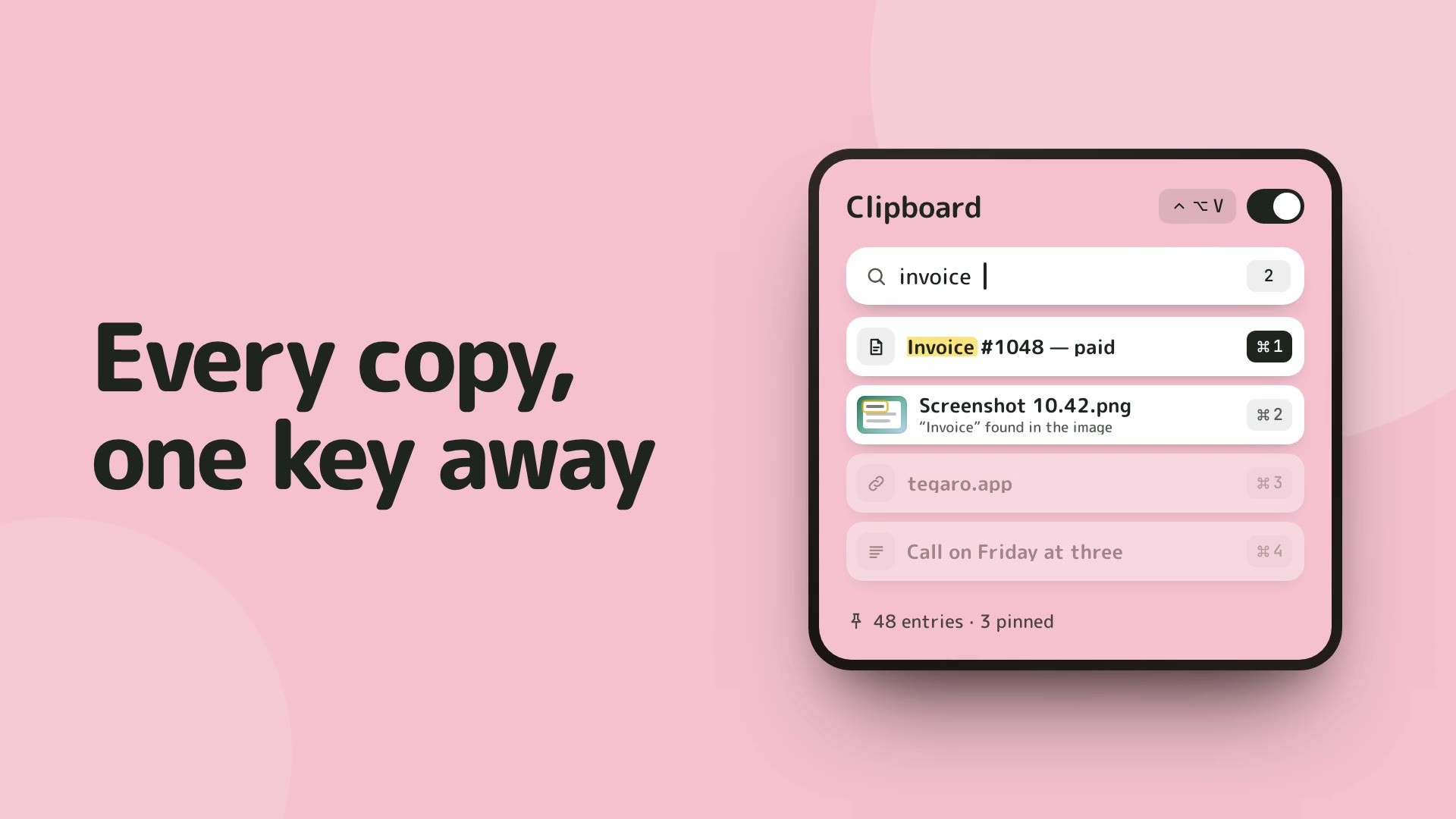
Tegaro is better if screenshot-text search and quick paste matter. Maccy is stronger as a free, open-source, keyboard-first clipboard tool.
Read comparison →Tegaro is better if you want opt-in local history and OCR in copied screenshots. Paste is stronger for its dedicated history workflow.
Read comparison →Tegaro is better if you need its focused Mac utilities without turning them into a launcher. Raycast is stronger for extensions and command launching.
Read comparison →Tegaro is better if copied-image OCR and one-key paste are priorities. A dedicated clipboard manager is stronger for its own focused workflow.
Read comparison →Tegaro is better if clipboard history belongs beside other daily tools. Yoink is stronger for temporary file shelves.
Read comparison →Tegaro is better if copied-image OCR and quick paste matter. Flycut is stronger as a free, focused clipboard history.
Read comparison →Tegaro is better for opt-in text and image history with screenshot-text search. CopyClip is better when a simple standalone clipboard history is all you need.
Read comparison →Tegaro is better for local Mac clipboard history with screenshot-text search. PastePal is better for cloud sync and clipboard access across Apple devices.
Read comparison →Power
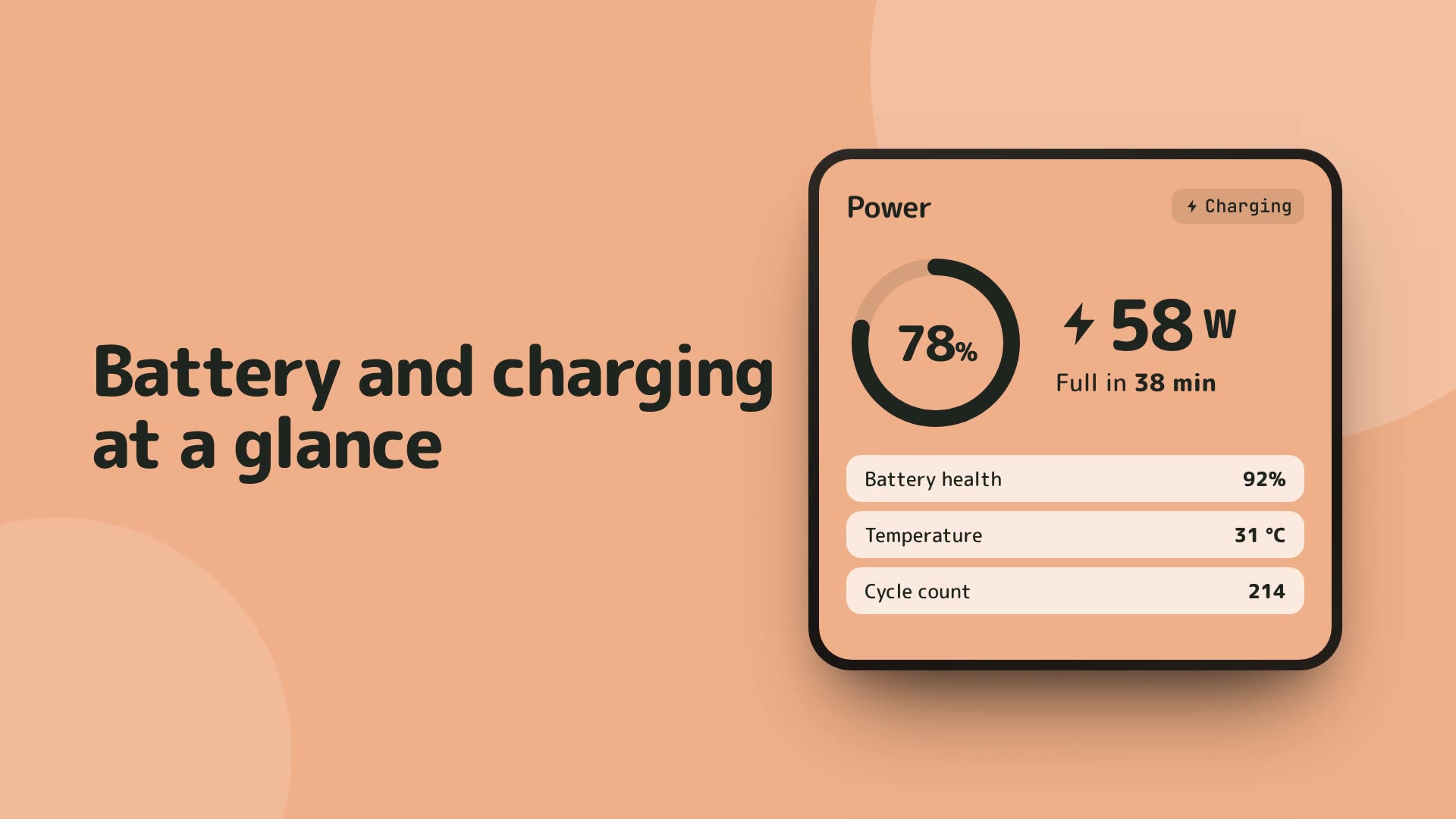
Tegaro is better if you want battery and adapter details next to CPU, memory and disk. coconutBattery is stronger for its dedicated battery history.
Read comparison →Tegaro is better if you want readouts rather than another battery utility. AlDente is stronger for charge-limit control.
Read comparison →Tegaro is better if you want a compact set of everyday utilities beside power readouts. iStat Menus is stronger for deep system monitoring.
Read comparison →Tegaro is better if battery and load readouts are the need and simple keep-awake rules are enough. Amphetamine is the dedicated keep-awake tool.
Read comparison →Tegaro is better if you want battery and power information plus a keep-awake switch. Macs Fan Control is stronger for manual fan control.
Read comparison →Screenshots
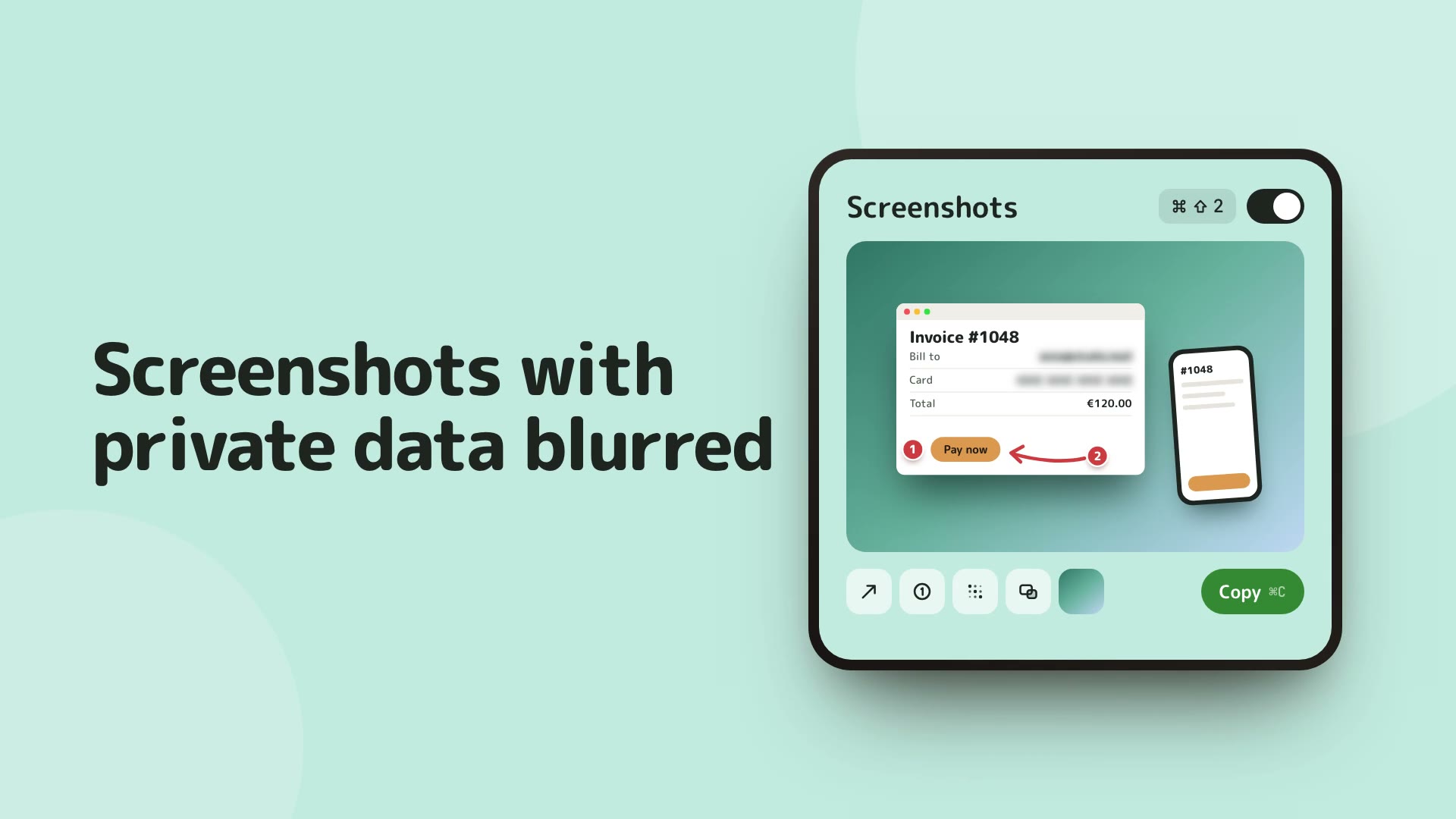
Tegaro is better if you want capture, redaction and clipboard workflow in one suite. Shottr is stronger for pixel rulers and detailed measurement.
Read comparison →Tegaro is better if annotation, redaction and local workflow matter in a suite. CleanShot X is stronger for advanced capture formats, video and cloud sharing.
Read comparison →Tegaro is better if a local Mac capture workflow is enough. Snagit is stronger for video capture and richer sharing tools.
Read comparison →Tegaro is better if capture and clipboard work belong together. TextSniper is stronger for focused OCR capture.
Read comparison →Typing
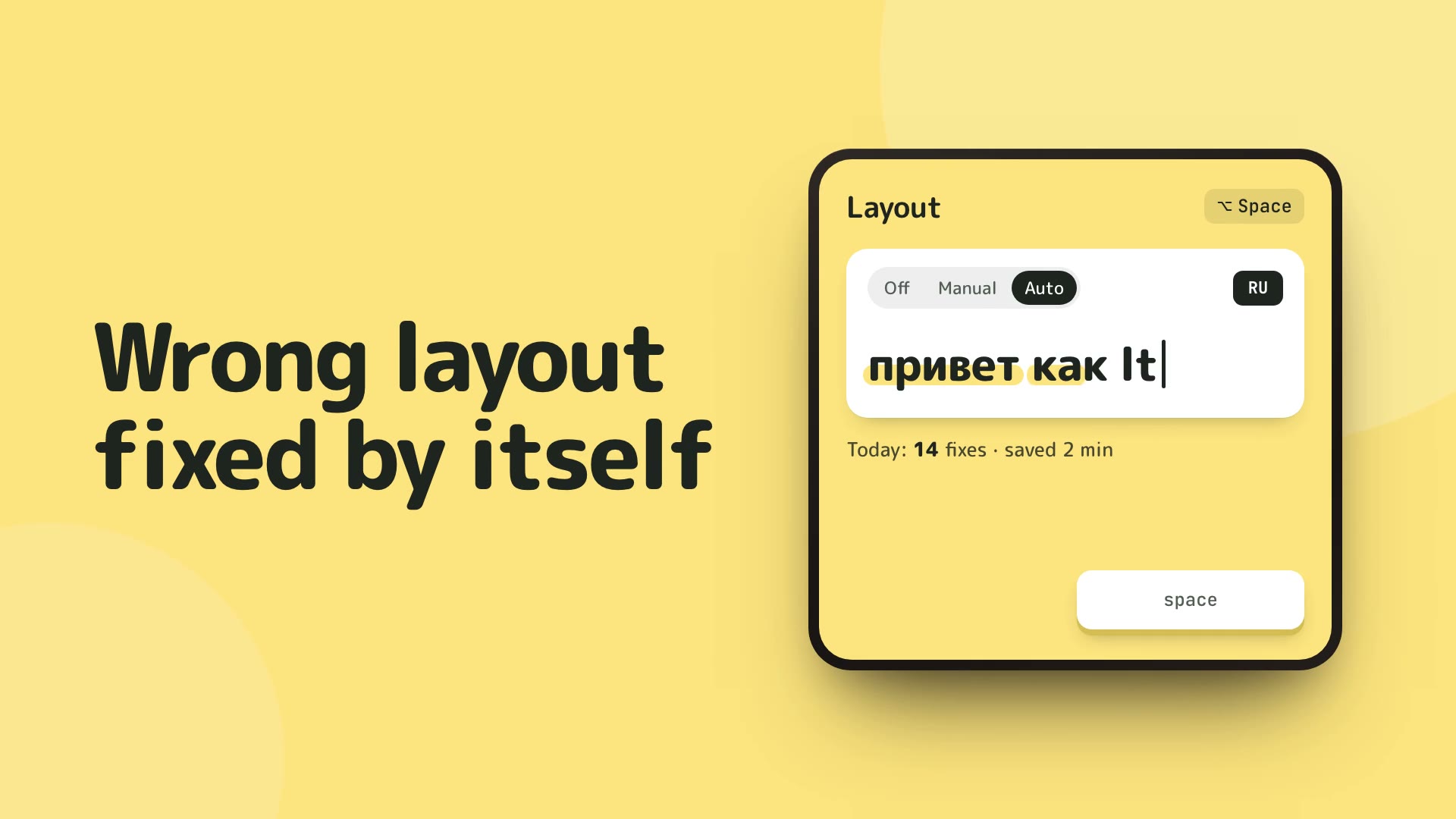
Tegaro is better if you want EN/RU layout correction with related Mac tools. Punto Switcher is stronger for its established layout workflow.
Read comparison →Tegaro is better if you want layout correction beside capture and clipboard tools. Caramba Switcher is stronger for its focused switching workflow.
Read comparison →Tegaro is better if EN/RU layout correction is the task. Alfred is stronger for launcher and automation workflows.
Read comparison →Tegaro is better if layout correction and related utilities matter. PopClip is stronger for selected-text extensions.
Read comparison →Dictation
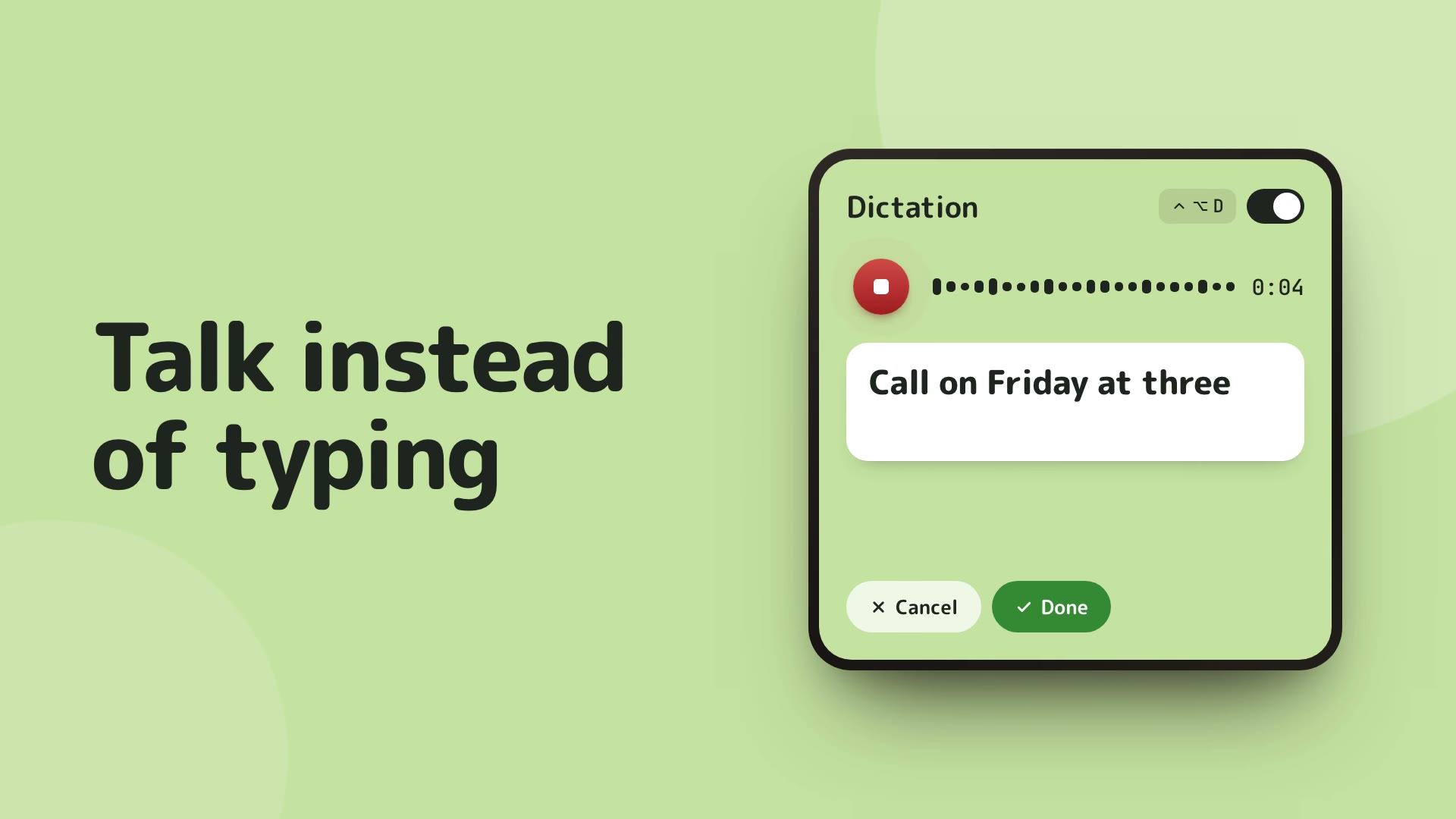
Tegaro is better if local downloaded-model dictation and a wider suite matter. Wispr Flow is stronger for its cloud voice-writing workflow.
Read comparison →Tegaro is better if you want local dictation with other Mac utilities. Superwhisper is stronger for its dedicated voice workflow.
Read comparison →Tegaro is better if you want dictation inside a wider Mac toolkit. MacWhisper is stronger for dedicated transcription workflows.
Read comparison →Tegaro is better when local dictation belongs beside your other Mac tools. VoiceInk is better for a dedicated Apple Silicon dictation workflow.
Read comparison →Critter
Tegaro is better if you want its tools in one menu-bar app. Bartender is stronger for arranging and hiding menu-bar icons.
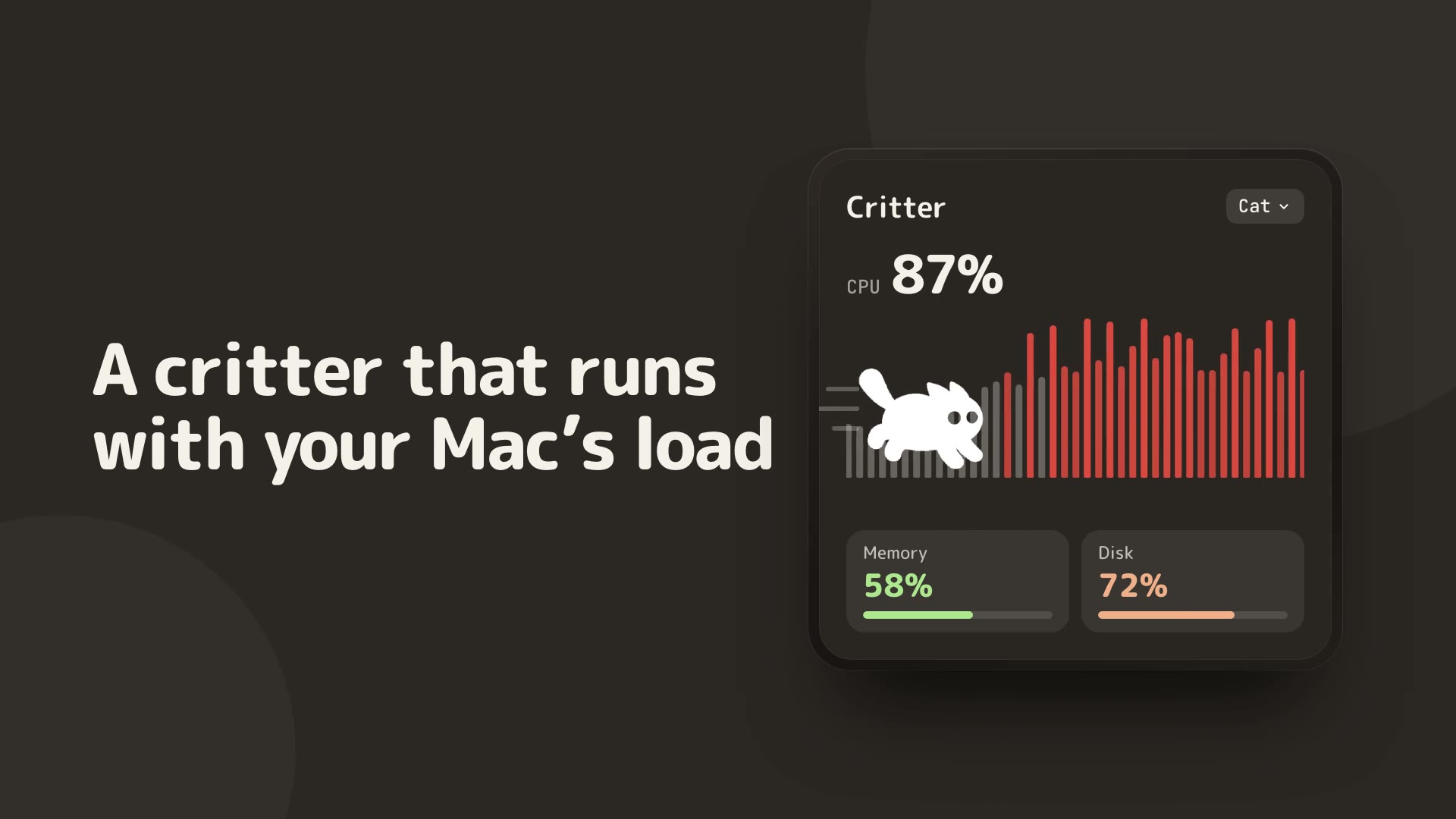
Read comparison →Tegaro is better if you want a Critter alongside practical readouts and utilities. RunCat is stronger as a minimal CPU activity companion.
Read comparison →Tegaro is better if you want useful tools rather than only icon management. Ice is stronger for hiding menu-bar icons.
Read comparison →Tegaro is better for a compact load readout beside your daily Mac tools. Stats goes further with detailed hardware sensors and system monitoring.
Read comparison →Tegaro is better for combining its own daily tools under one icon. Hidden Bar is better for hiding other apps’ menu-bar icons.
Read comparison →Disk
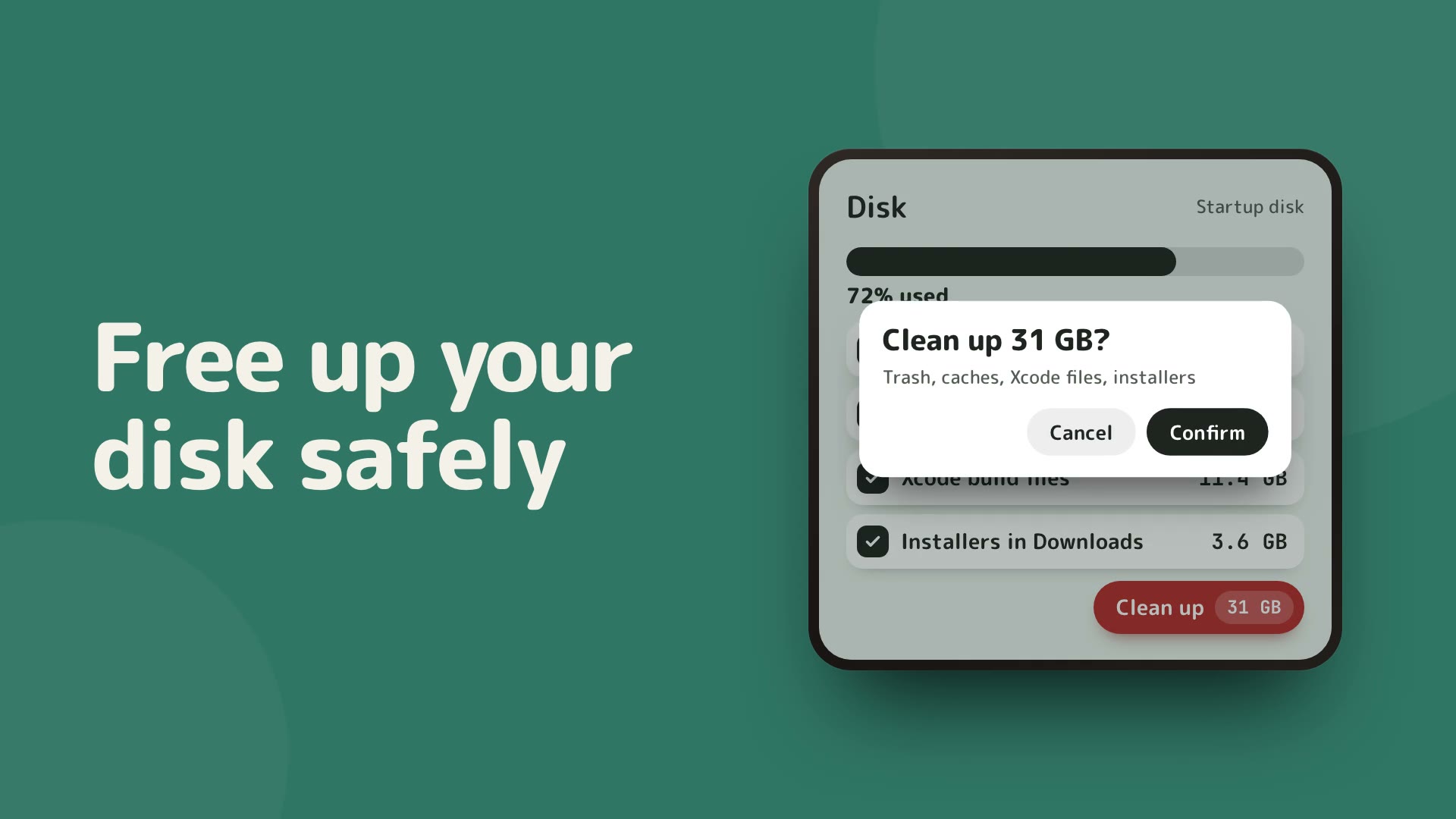
Tegaro is better if storage insight and focused cleanup are enough. CleanMyMac is stronger for its wider maintenance suite.
Read comparison →Tegaro is better if storage analysis belongs in a wider suite. DaisyDisk is stronger for visual disk maps.
Read comparison →Tegaro is better for free disk analysis beside other Mac tools, with targeted cleanup in Pro. GrandPerspective is better for exploring a visual disk treemap.
Read comparison →AI Usage
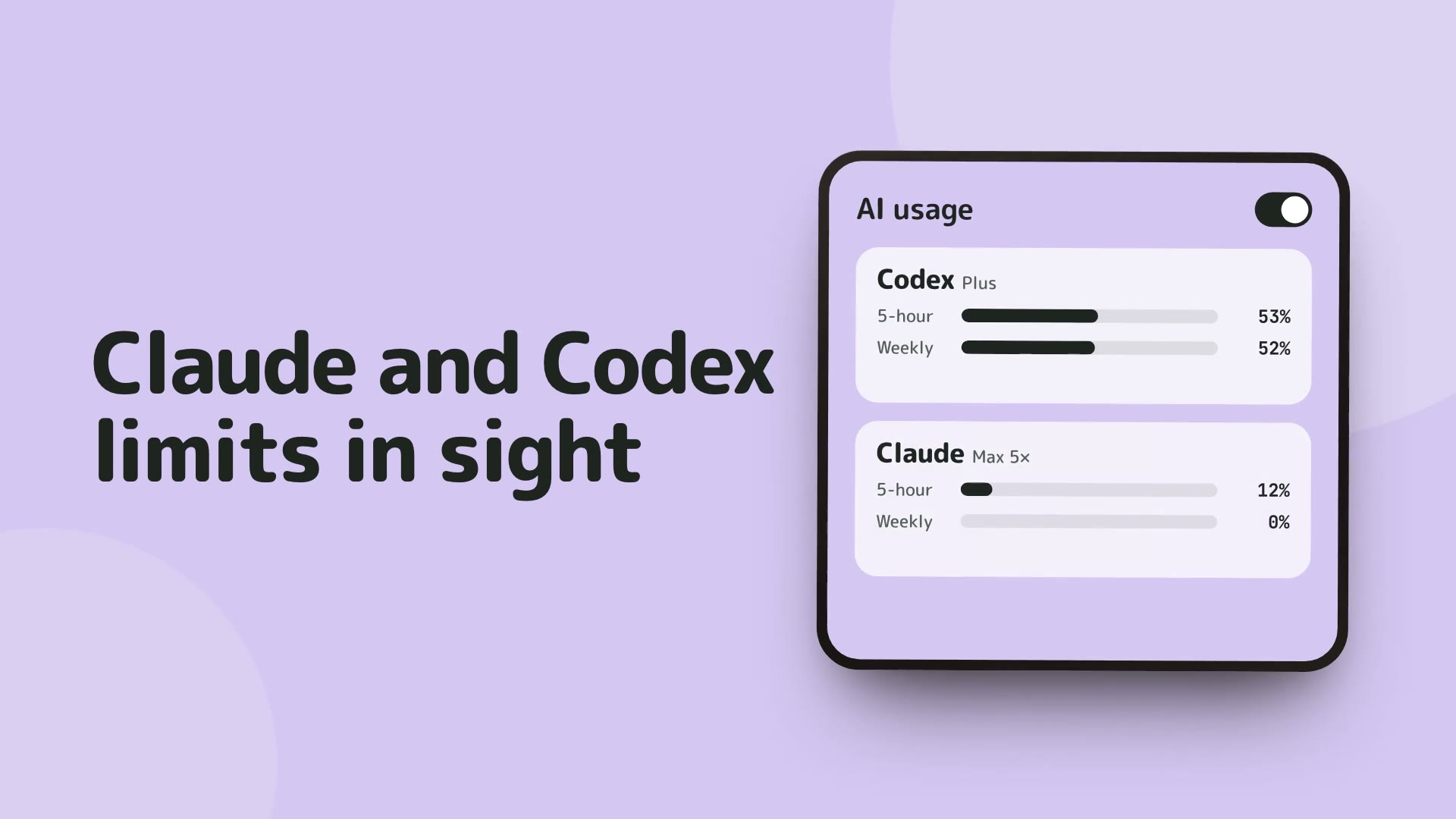
Tegaro is better for a simple Claude and Codex view beside your Mac tools. CodexBar goes further with many providers, widgets and CLI reporting.
Read comparison →Tegaro is better for quick menu-bar readouts beside other Mac utilities. ccusage is better for detailed token-cost reports and JSON output.
Read comparison →Tegaro is better for checking supported Claude and Codex usage in one Mac menu. Claude’s own account page remains the authority for billing and limits.
Read comparison →Sound
SoundSource is the deeper audio tool: equalizers, effects, per-app outputs and AirPlay. Tegaro's Sound is enough, and free, if you only need volume and mute for each app.
Read comparison →